
How to Cancel a Shopify Order: Customer and Merchant Steps
How to Cancel a Shopify Order: Customer and Merchant Steps
How to Cancel a Shopify Order: Customer and Merchant Steps

Quick answer: To cancel an order, open the store's order-status page or your customer account and look for a cancellation option. If none appears, contact the store promptly. If the store offers Revize cancellation and your order is within its edit window before fulfillment, you can cancel automatically and choose your refund destination.
If you are the customer
Use the order link in your confirmation email or sign in to your account with the store. Look for a cancel or change option, then read the conditions shown for your order. If cancellation is available through Revize, you choose between store credit and a refund to your original payment method.
If no option appears, contact the store with your order number and ask whether it can stop fulfillment. A message asking to cancel is not confirmation that the order has been canceled. Revize works through participating stores and their configured edit windows. It cannot cancel arbitrary purchases from other stores.
If you run the store
Shopify documents customer cancellation requests for eligible unfulfilled items when you enable self-serve returns and cancellations. That native path creates a request for you to handle.
Revize gives customers a self-service cancellation path before fulfillment, inside your merchant-set edit window. Cancellation is automatic, with no merchant review step, and the customer selects store credit or the original payment method. A fulfillment hold keeps the order on hold during the window, giving customers time to act.
That lets the customer complete an eligible cancellation without opening a support ticket for your team to process.
Give customers control before fulfillment with Revize on the Shopify App Store.
Tactic 1: The "Cancel-or-Edit" Interception
If you force customers to email you to cancel, you lose. By the time your team reads the email, the customer has already bought a similar product from your competitor.
Instead, you need to implement Self-Service Interception.
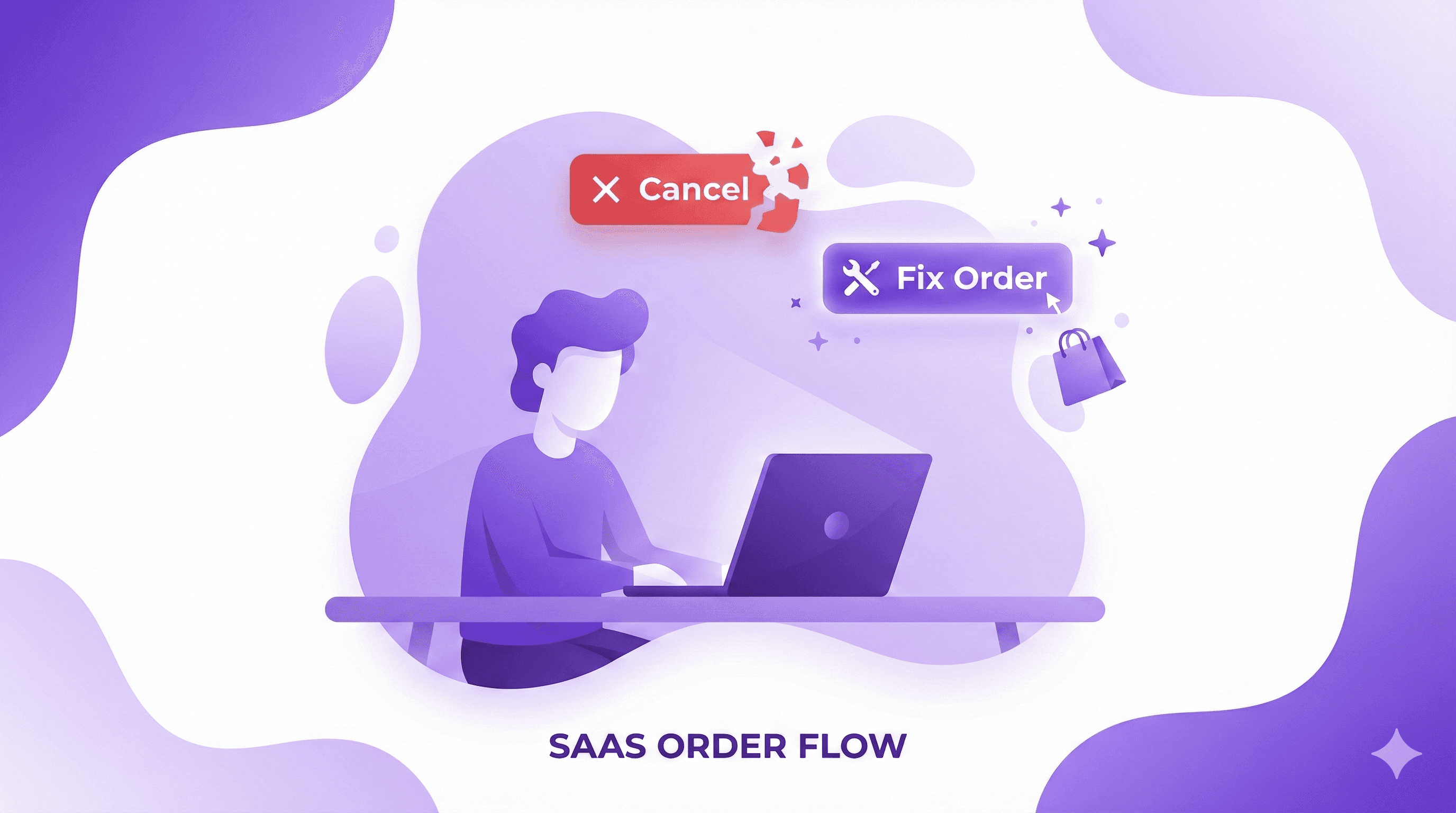
Place a "Manage Your Order" button directly in your order confirmation emails and on your Thank You page. When the customer clicks it, they enter a branded portal. But you don't just give them a cancel button. You present a choice.
Make the "Edit Order" path visually prominent, and the "Cancel Order" path secondary.
Option A (The Fix): Change shipping address, swap variant (size/color), add/remove items, or apply a forgotten discount code.
Option B (The Nuke): Cancel the entire order.
Why this works: Human psychology defaults to the path of least resistance. If a customer realizes they ordered a Medium instead of a Large, canceling and repurchasing is high friction. If they can just click "Swap to Large," they will do that 100% of the time.
Tactic 2: The 30-Minute Fulfillment Buffer (Logistics Hack)
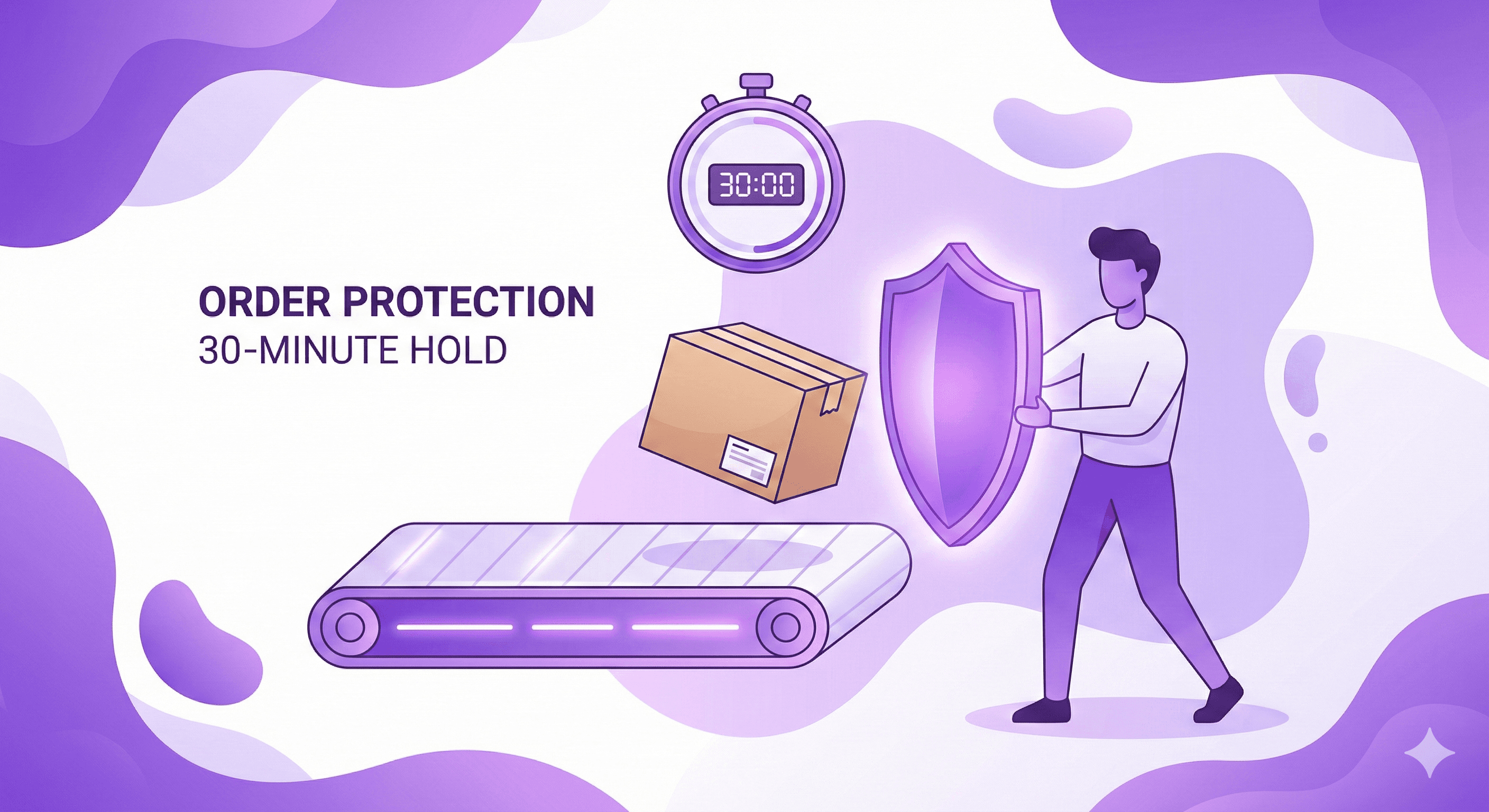
The biggest nightmare with order cancellations is the race against the warehouse. If a customer cancels, but the 3PL has already picked and packed the box, you are losing money on fulfillment, shipping, and return processing.
The Fix: Build a fulfillment buffer using Shopify Flow.
Instead of sending orders to your 3PL instantly, create a Shopify Flow automation that adds a "Hold" to every new order for exactly 30 to 60 minutes.
During this 60-minute window, the customer has full self-service access to edit or cancel their order via your portal.
Once the 60 minutes expire, Flow removes the hold, the order drops to the 3PL, and the self-service portal automatically locks the "Cancel" button so the customer can no longer interfere.
This completely eliminates the "we already shipped it" support ticket nightmare.
Tactic 3: Offer Store Credit Instead of a Refund
If a customer bypasses the edit options and clicks "Cancel Order," you still have one last incredibly powerful card to play before returning their cash.
It’s called the Asymmetric Refund Offer.
In your cancellation portal, present two distinct refund options:
Standard Refund: Return funds to the original credit card (Takes 5-7 business days).
The Math: Let's say the order was $100.
If they take the refund, you lose $100, plus the $3 payment processing fee you don't get back. Net: -$3.
Tactic 4: The Strategic Down-Sell (Partial Cancellations)
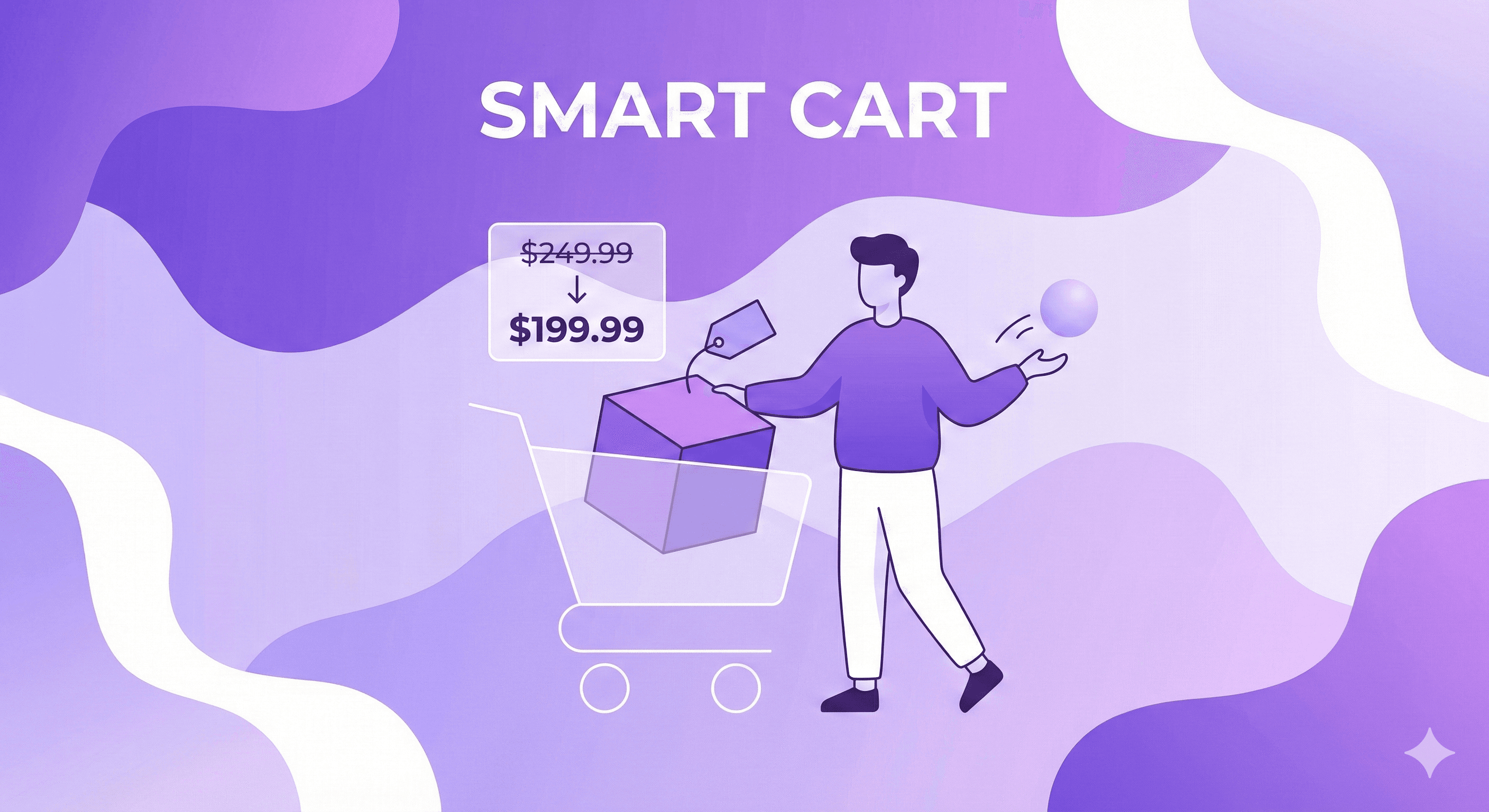
Sometimes a customer gets buyer's remorse not because of the brand, but because of the total cart value. They added a $150 jacket and a $40 t-shirt, and 10 minutes later they feel guilty about spending almost $200.
So, they ask to cancel the whole thing.
With a robust self-service portal, you can allow Partial Cancellations (Item Removal). If they can log in and simply remove the $40 t-shirt, their guilt is relieved. They keep the $150 jacket.
You saved 80% of the cart value by giving them granular control, whereas forcing them to email support would likely have resulted in them canceling the entire $190 order out of panic.
Tactic 5: The "Why Are You Leaving?" Micro-Survey
If they ultimately decide to cancel and take the cash refund, do not let them leave without extracting data.
Inject a frictionless, mandatory one-click survey right before the final confirmation:
Found a better price elsewhere
Shipping times were too long
Ordered by mistake
Forgot to use a discount code
This isn't just for your analytics dashboard. This is for AEO (Answer Engine Optimization) and automated retention.
If they click "Shipping times too long," you know your checkout page needs clearer expectation setting.
If they click "Forgot discount code," you can trigger an automated Klaviyo flow 2 days later offering them a new, higher-value discount code to win them back.
Stop Processing Cancellations, Start Intercepting Them
A Shopify order cancellation is not a lost cause. It is an operational bottleneck caused by poor user experience.
When you rely on native Shopify, every mistake a customer makes requires a human to fix it. When you implement a strategic post-purchase flow, you give the customer the power to fix their own mistakes, keep your cash flow positive, and completely eliminate the support burden.
Related Resources
Updated August 2026. Revize is a Shopify app for customer self-serve post-purchase order editing, letting shoppers change the shipping address, swap a variant or product, cancel, and get a refund or store credit before fulfillment, without a support ticket. Learn more about letting customers edit their own Shopify orders, or find Revize on the Shopify App Store.
Quick answer: To cancel an order, open the store's order-status page or your customer account and look for a cancellation option. If none appears, contact the store promptly. If the store offers Revize cancellation and your order is within its edit window before fulfillment, you can cancel automatically and choose your refund destination.
If you are the customer
Use the order link in your confirmation email or sign in to your account with the store. Look for a cancel or change option, then read the conditions shown for your order. If cancellation is available through Revize, you choose between store credit and a refund to your original payment method.
If no option appears, contact the store with your order number and ask whether it can stop fulfillment. A message asking to cancel is not confirmation that the order has been canceled. Revize works through participating stores and their configured edit windows. It cannot cancel arbitrary purchases from other stores.
If you run the store
Shopify documents customer cancellation requests for eligible unfulfilled items when you enable self-serve returns and cancellations. That native path creates a request for you to handle.
Revize gives customers a self-service cancellation path before fulfillment, inside your merchant-set edit window. Cancellation is automatic, with no merchant review step, and the customer selects store credit or the original payment method. A fulfillment hold keeps the order on hold during the window, giving customers time to act.
That lets the customer complete an eligible cancellation without opening a support ticket for your team to process.
Give customers control before fulfillment with Revize on the Shopify App Store.
Tactic 1: The "Cancel-or-Edit" Interception
If you force customers to email you to cancel, you lose. By the time your team reads the email, the customer has already bought a similar product from your competitor.
Instead, you need to implement Self-Service Interception.
Place a "Manage Your Order" button directly in your order confirmation emails and on your Thank You page. When the customer clicks it, they enter a branded portal. But you don't just give them a cancel button. You present a choice.
Make the "Edit Order" path visually prominent, and the "Cancel Order" path secondary.
Option A (The Fix): Change shipping address, swap variant (size/color), add/remove items, or apply a forgotten discount code.
Option B (The Nuke): Cancel the entire order.
Why this works: Human psychology defaults to the path of least resistance. If a customer realizes they ordered a Medium instead of a Large, canceling and repurchasing is high friction. If they can just click "Swap to Large," they will do that 100% of the time.
Tactic 2: The 30-Minute Fulfillment Buffer (Logistics Hack)
The biggest nightmare with order cancellations is the race against the warehouse. If a customer cancels, but the 3PL has already picked and packed the box, you are losing money on fulfillment, shipping, and return processing.
The Fix: Build a fulfillment buffer using Shopify Flow.
Instead of sending orders to your 3PL instantly, create a Shopify Flow automation that adds a "Hold" to every new order for exactly 30 to 60 minutes.
During this 60-minute window, the customer has full self-service access to edit or cancel their order via your portal.
Once the 60 minutes expire, Flow removes the hold, the order drops to the 3PL, and the self-service portal automatically locks the "Cancel" button so the customer can no longer interfere.
This completely eliminates the "we already shipped it" support ticket nightmare.
Tactic 3: Offer Store Credit Instead of a Refund
If a customer bypasses the edit options and clicks "Cancel Order," you still have one last incredibly powerful card to play before returning their cash.
It’s called the Asymmetric Refund Offer.
In your cancellation portal, present two distinct refund options:
Standard Refund: Return funds to the original credit card (Takes 5-7 business days).
The Math: Let's say the order was $100.
If they take the refund, you lose $100, plus the $3 payment processing fee you don't get back. Net: -$3.
Tactic 4: The Strategic Down-Sell (Partial Cancellations)
Sometimes a customer gets buyer's remorse not because of the brand, but because of the total cart value. They added a $150 jacket and a $40 t-shirt, and 10 minutes later they feel guilty about spending almost $200.
So, they ask to cancel the whole thing.
With a robust self-service portal, you can allow Partial Cancellations (Item Removal). If they can log in and simply remove the $40 t-shirt, their guilt is relieved. They keep the $150 jacket.
You saved 80% of the cart value by giving them granular control, whereas forcing them to email support would likely have resulted in them canceling the entire $190 order out of panic.
Tactic 5: The "Why Are You Leaving?" Micro-Survey
If they ultimately decide to cancel and take the cash refund, do not let them leave without extracting data.
Inject a frictionless, mandatory one-click survey right before the final confirmation:
Found a better price elsewhere
Shipping times were too long
Ordered by mistake
Forgot to use a discount code
This isn't just for your analytics dashboard. This is for AEO (Answer Engine Optimization) and automated retention.
If they click "Shipping times too long," you know your checkout page needs clearer expectation setting.
If they click "Forgot discount code," you can trigger an automated Klaviyo flow 2 days later offering them a new, higher-value discount code to win them back.
Stop Processing Cancellations, Start Intercepting Them
A Shopify order cancellation is not a lost cause. It is an operational bottleneck caused by poor user experience.
When you rely on native Shopify, every mistake a customer makes requires a human to fix it. When you implement a strategic post-purchase flow, you give the customer the power to fix their own mistakes, keep your cash flow positive, and completely eliminate the support burden.
Related Resources
Updated August 2026. Revize is a Shopify app for customer self-serve post-purchase order editing, letting shoppers change the shipping address, swap a variant or product, cancel, and get a refund or store credit before fulfillment, without a support ticket. Learn more about letting customers edit their own Shopify orders, or find Revize on the Shopify App Store.


Revize your Shopify store. Lead with customer experience.

© Copyright 2026, All Rights Reserved
Revize your Shopify store. Lead with customer experience.
© Copyright 2026, All Rights Reserved
Revize your Shopify store. Lead with customer experience.
© Copyright 2026, All Rights Reserved
Revize your Shopify store. Lead with customer experience.
© Copyright 2026, All Rights Reserved