
On this page
The Universal Commerce Protocol (UCP) is an open, versioned protocol for agentic commerce. Shopify’s current implementation exposes UCP-compliant MCP servers for catalog search, carts, checkout, and order workflows. UCP is available to developers today, but an open protocol does not mean every agent or merchant supports every capability.

The Big Picture: What Changed?
UCP was announced by Shopify and Google on January 11, 2026. The protocol continues to evolve; Shopify’s current agent documentation uses the 2026-08-25 agent profile examples. On October 13, 2026, Shopify also announced Shop MCP, which lets compatible agents search Shopify Catalog, build carts, and create checkout through a single MCP connection.
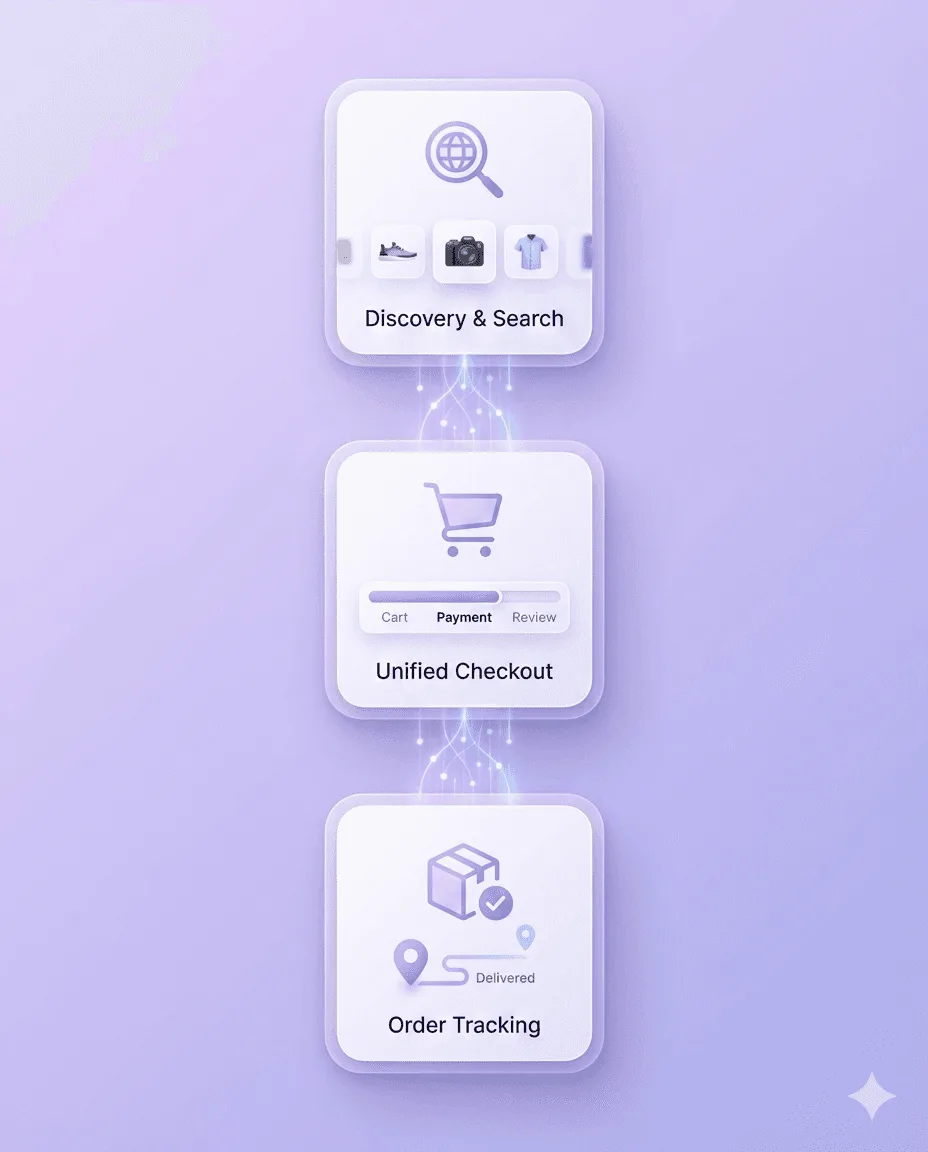
For Shopify developers, the practical question is which current agent workflow you need to support: product discovery, cart building, checkout handoff, or order tracking. Check the supported tools and permissions in the Shopify documentation before promising a capability to merchants.
What Exactly is UCP?
UCP is an open protocol that describes how agent applications and commerce systems can exchange information and perform defined commerce actions. It is versioned and capability-based: an integration advertises what it supports, and an agent should use only those capabilities.
Shopify implements UCP through MCP endpoints and tools. Depending on the endpoint and permissions, developers can work with catalog discovery, carts, checkout, or order information. These are distinct workflows, and support for one does not imply support for every other UCP capability.
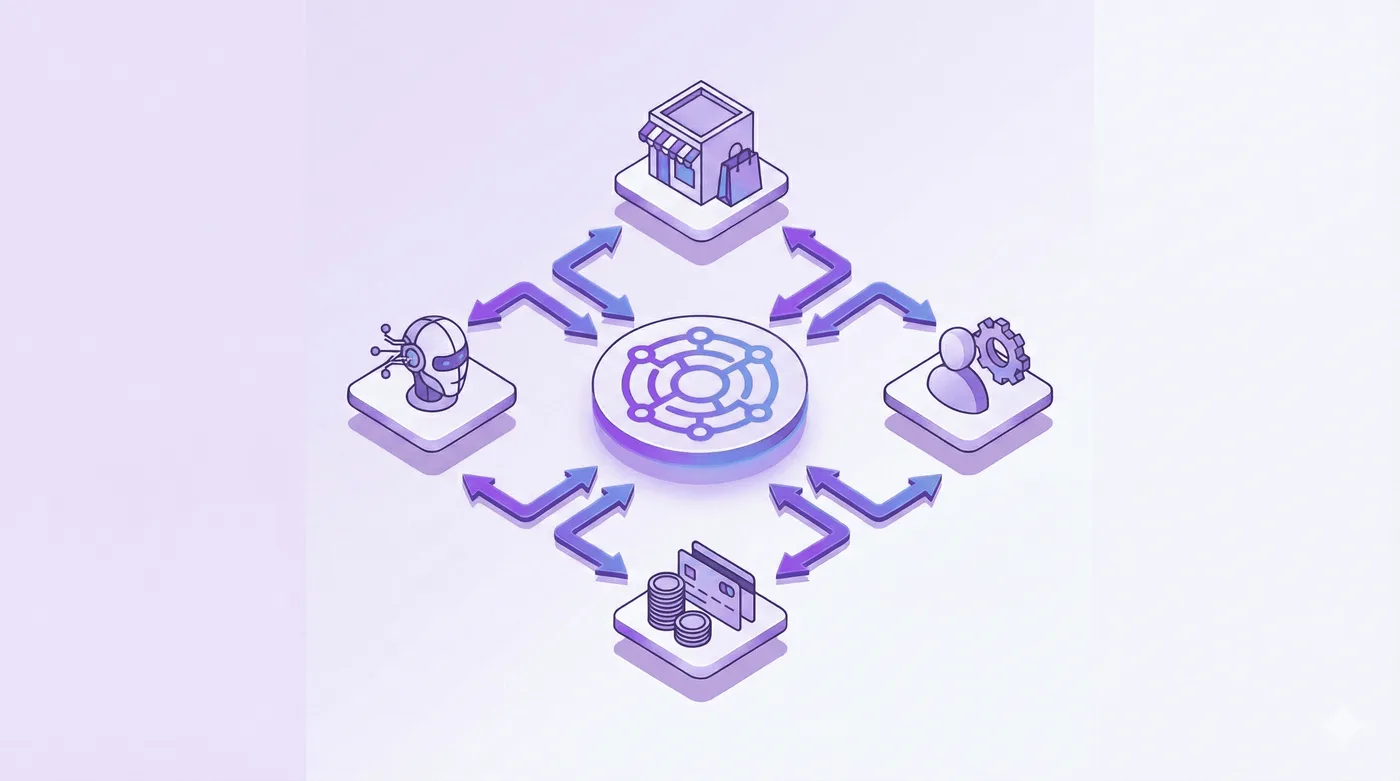
Roles in an agentic commerce flow
- Agent or application: helps a buyer find products, build a cart, or continue through checkout.
- Merchant system: supplies product and checkout information and processes the order through its supported Shopify surface.
- Credential provider: supplies payment credentials or tokens through the payment method negotiated for the flow.
- Payment service: handles payment through the checkout or payment method available in that flow.
- Buyer: reviews and authorizes the purchase. Follow the flow’s confirmation and permission requirements.
The Problem: Why Commerce Needed a Protocol
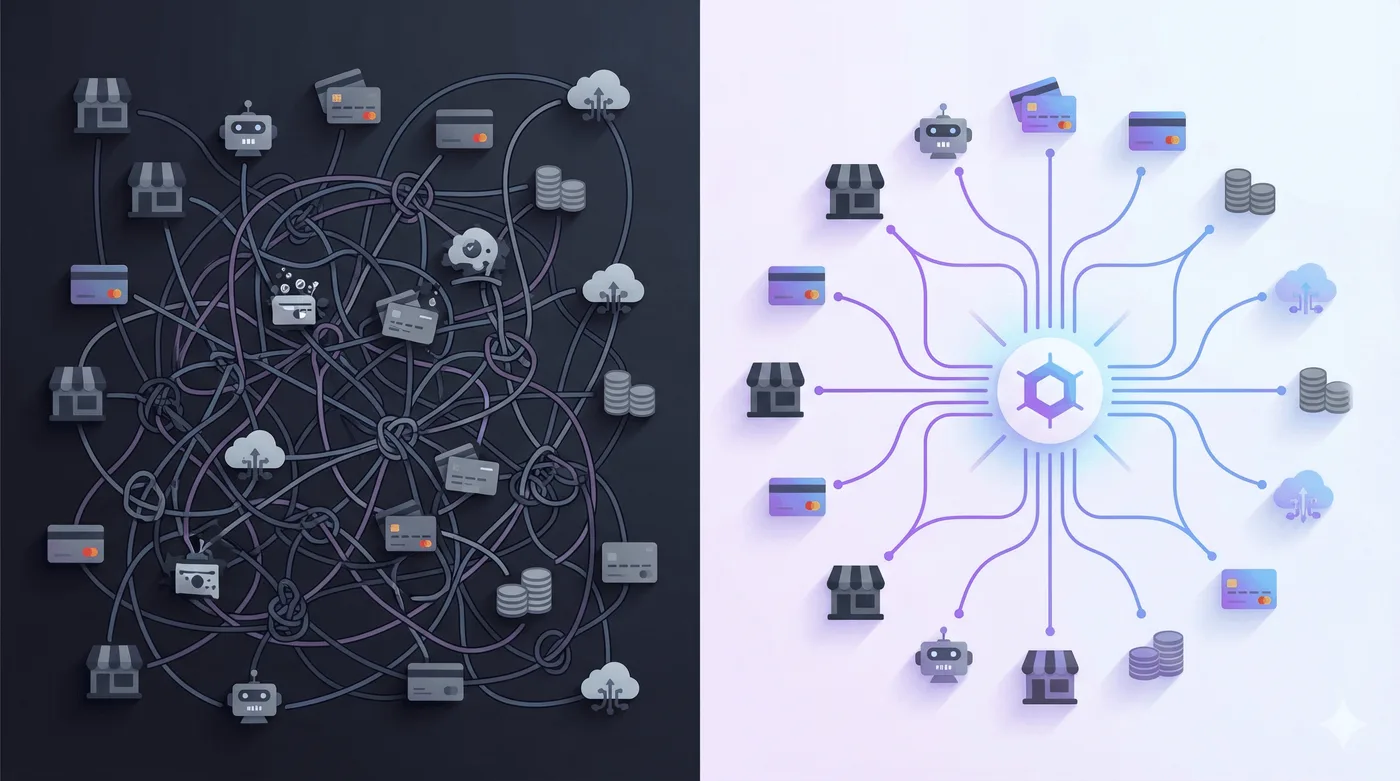
Here’s the reality of commerce today: it’s incredibly fragmented.
Consider what happens when a customer wants to buy something through an AI assistant:
- The AI needs to find product information across merchant catalogs
- It needs to understand availability, pricing, and shipping options in real-time
- It must handle loyalty programs, discount codes, and subscription preferences
- It has to collect payment information securely
- It needs to complete checkout with all the merchant’s specific requirements
- Finally, it must support order tracking, returns, and customer service
Custom integrations add maintenance work. UCP provides shared schemas and capability negotiation that can reduce that work, but two implementations still need compatible versions, capabilities, authentication, and payment handlers. Protocol compatibility alone does not guarantee that an agent can complete a purchase.
UCP Capabilities to Understand First
Checkout, identity linking, and order state are useful starting points in the UCP specification. Shopify also documents catalog and cart capabilities. Each surface implements its own supported set; check the negotiated profile before calling a tool.
1. Checkout
Checkout creates and updates a purchase session, including the items, buyer details, totals, and payment handler. The merchant remains the merchant of record. The standard flow hands the buyer to a trusted interface to confirm payment; autonomous completion depends on the supported authorization extensions and the specific integration.
2. Identity Linking
Identity linking uses OAuth 2.0 to let a buyer authorize an agent to act on their behalf. It can support account-specific features such as saved addresses or order history. Public catalog search can work without linking an identity, so authorization is a separate capability and permission decision.
3. Order
The Order capability shares order state and lifecycle events such as fulfillment, returns, and refunds. It isn’t a general-purpose order-edit API. Shopify’s current Order MCP and buyer-requested edit APIs have their own documented scopes and limits, described below.
The Technical Architecture: Built to Evolve
UCP uses profiles to declare a protocol version and supported capabilities. Businesses and agents negotiate the capabilities they have in common for a session; the agent should use only that negotiated set. Shopify’s examples use date-versioned profiles, so developers should copy the current profile and schema from the live docs rather than an old sample.
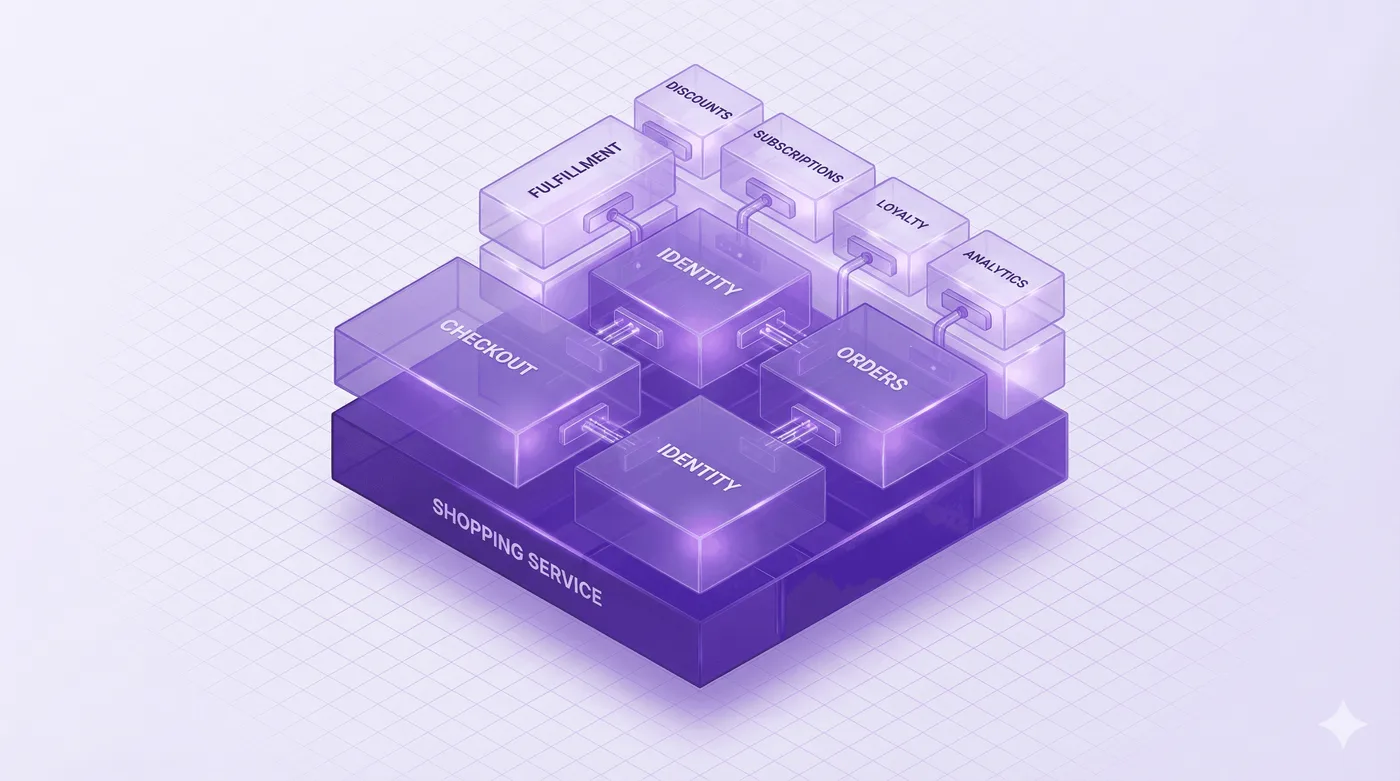
Extensions add optional details to a base capability, such as fulfillment or discounts. A business can expose the base checkout flow without every extension, and an agent needs to check which extensions the other side supports before relying on them. See the UCP overview and Shopify’s agent profile guide.
Built for Interoperability
UCP is designed to work across protocol bindings such as REST, MCP, and A2A. That describes the broader UCP standard, not a promise that one Shopify implementation exposes every capability over every transport.
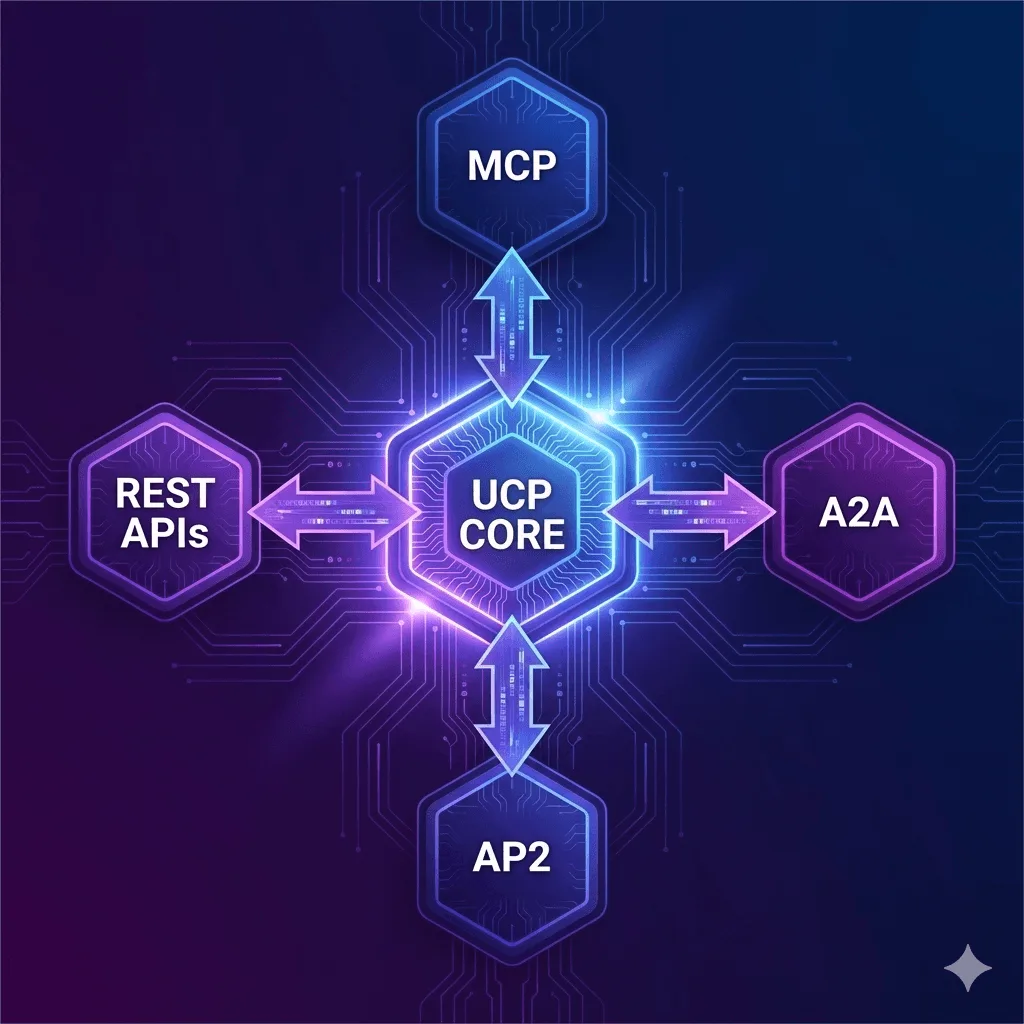
Shopify’s current developer documentation describes UCP-compliant MCP servers and their supported tools. For an integration, verify the exact endpoint, authentication method, profile version, and required buyer confirmation. Don’t infer that a capability listed in the UCP specification is already available through a particular Shopify MCP surface.
Shopify’s Current UCP and MCP Surfaces
Shopify’s agent documentation describes several distinct surfaces:
Catalog discovery
Catalog MCP tools let an agent search the Shopify Catalog and retrieve product details. Shopify’s Global Catalog MCP uses https://catalog.shopify.com/api/ucp/mcp; Shop MCP is available at https://mcp.shop.com and exposes catalog search and product tools. Catalog visibility and results depend on the current product data and the surface being used.
Cart building and checkout
Cart MCP can build and update a cart. Checkout MCP can create and manage a checkout session, then hand the buyer to the merchant’s storefront to complete steps that require the buyer. Shopify documents Checkout MCP as the recommended server-side approach; Checkout WebMCP is for an agent already operating in the buyer’s browser. Some checkout types and app-defined interactions are not handled by the browser tools.
Shop MCP is a separate connection that can search Shopify Catalog, build carts, and create Shop Pay checkout. It does not mean that every merchant is automatically available in every AI app.
Order information
Shopify’s Order MCP reads the current state of orders placed through the agent, including fulfillment and post-purchase adjustments. Its get_order tool is for buyer-requested views and reconciliation. UCP order webhooks provide ongoing snapshots after committed changes; a Shopify partner manager must register the delivery endpoint. This read/update channel does not execute arbitrary order edits.
Separately, Shopify’s October 1, 2026 buyer-requested order-edit APIs let buyers request removal of unfulfilled line items; a merchant or app can review, resolve, or decline a request. That narrow request flow is not the same as changing an address or swapping a product.
What This Means for Shopify Merchants
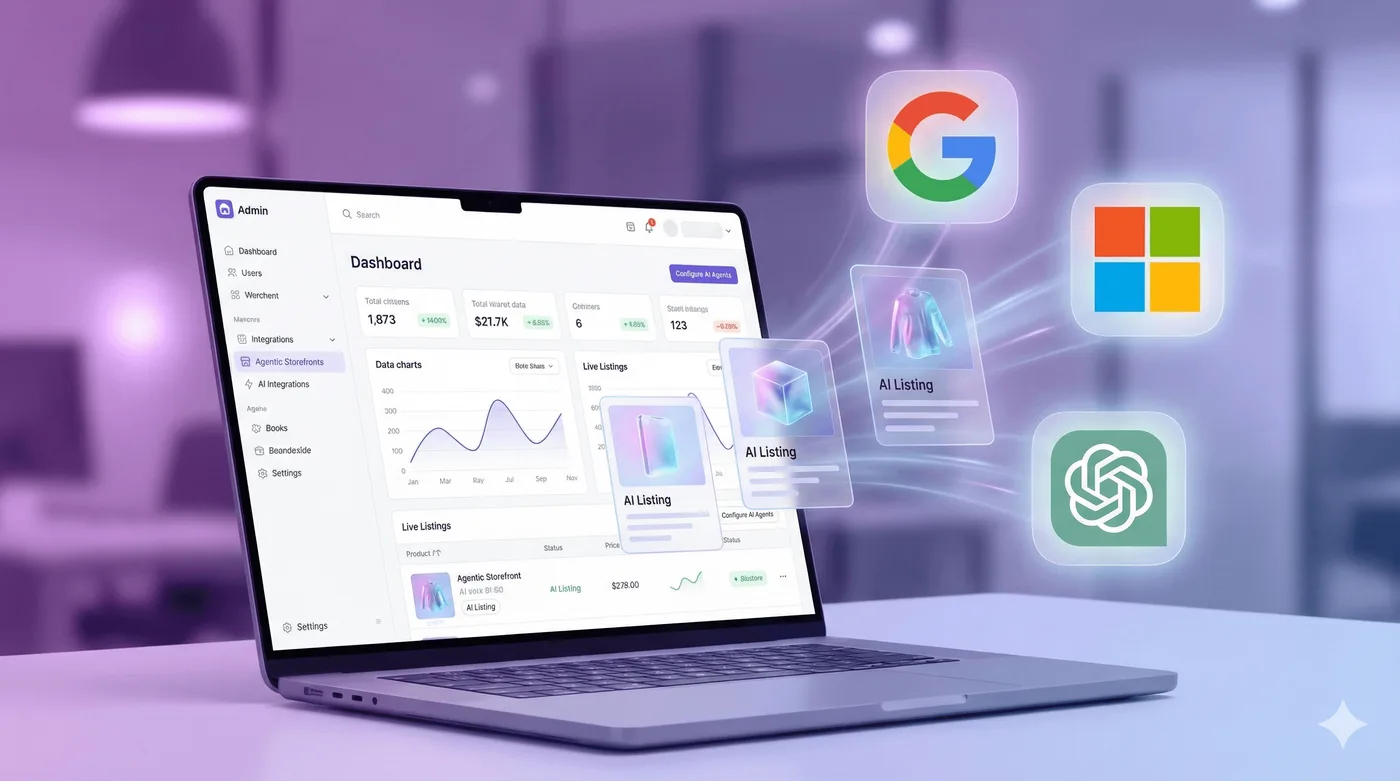
Shopify’s agent tools can make product and checkout workflows available to compatible agents. The experience depends on the surface the agent uses, the capabilities enabled for the store, and the buyer’s authorization. Keep product details, availability, and policies accurate, and confirm which channels are enabled for your store.
Treat this as an integration surface, not a guarantee of universal AI placement or access to every merchant. Shopify’s agentic storefronts overview explains channel availability and the standard ChatGPT referral checkout.
What This Means for Shopify App Developers

UCP and Shopify’s MCP tools give app developers defined interfaces to build against. Before starting, identify the buyer task, the Shopify endpoint, the agent profile and scopes required, and where the buyer must review or confirm an action.
Build against supported capabilities
Use Shopify’s current agent docs and tutorials for endpoint discovery, authentication, cart and checkout tools, and order tracking. Avoid assuming that a third-party app can expose its own functions to an agent simply because UCP supports extensions; verify that the app surface and protocol capability are implemented.
Keep order editing separate
Shopify’s Order MCP covers order information and lifecycle workflows. It does not make arbitrary edits such as address changes or product swaps. The buyer-requested order-edit APIs announced October 1, 2026 are limited to requests to remove unfulfilled line items, with merchant or app review. For other post-purchase customer edits, verify the separate app’s current features and permissions.
What This Means for Agencies

Agencies can help merchants prepare their product data and checkout setup for the agent surfaces they choose to support. Start with the current Shopify documentation and the merchant’s actual plan, app configuration, product data, and buyer journey. Treat availability, customer reach, and conversion results as questions to measure for each merchant rather than protocol guarantees.
UCP alongside other agentic commerce protocols
UCP and the Agentic Commerce Protocol (ACP) are separate protocol efforts. They define different interfaces and workflows, so developers should not assume that a UCP integration automatically works with ACP or vice versa. Review the current specifications and build only for the agent surfaces your product intends to support.
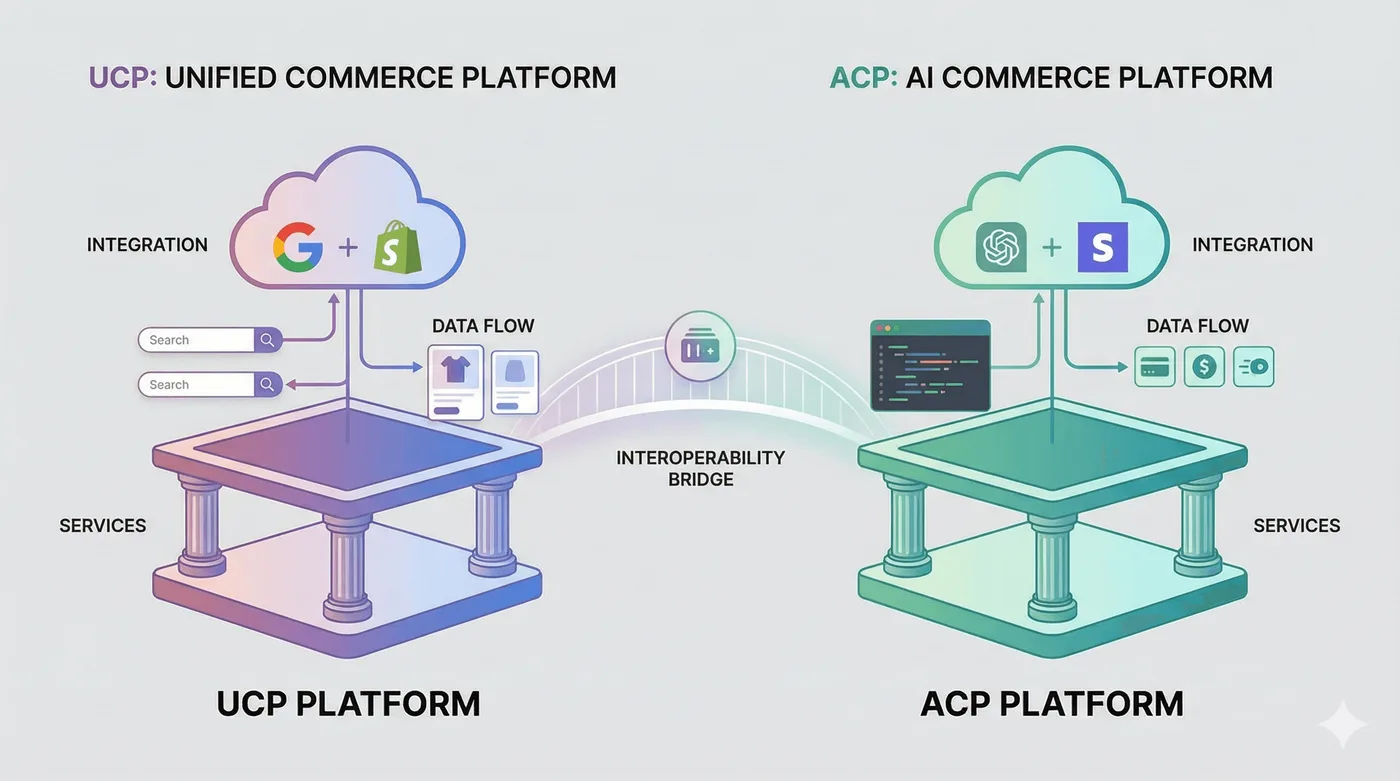
The bridge in this illustration represents integration work to evaluate, rather than a shipped Shopify interoperability feature.
Getting Started: A Practical Implementation Guide
Use Shopify’s current agentic commerce documentation as the starting point. It includes the current Shopify MCP surfaces, UCP profile examples, authentication details, and tutorials. Shopify recommends the AI Toolkit quickstart for a guided setup; developers can also follow the individual tutorials.
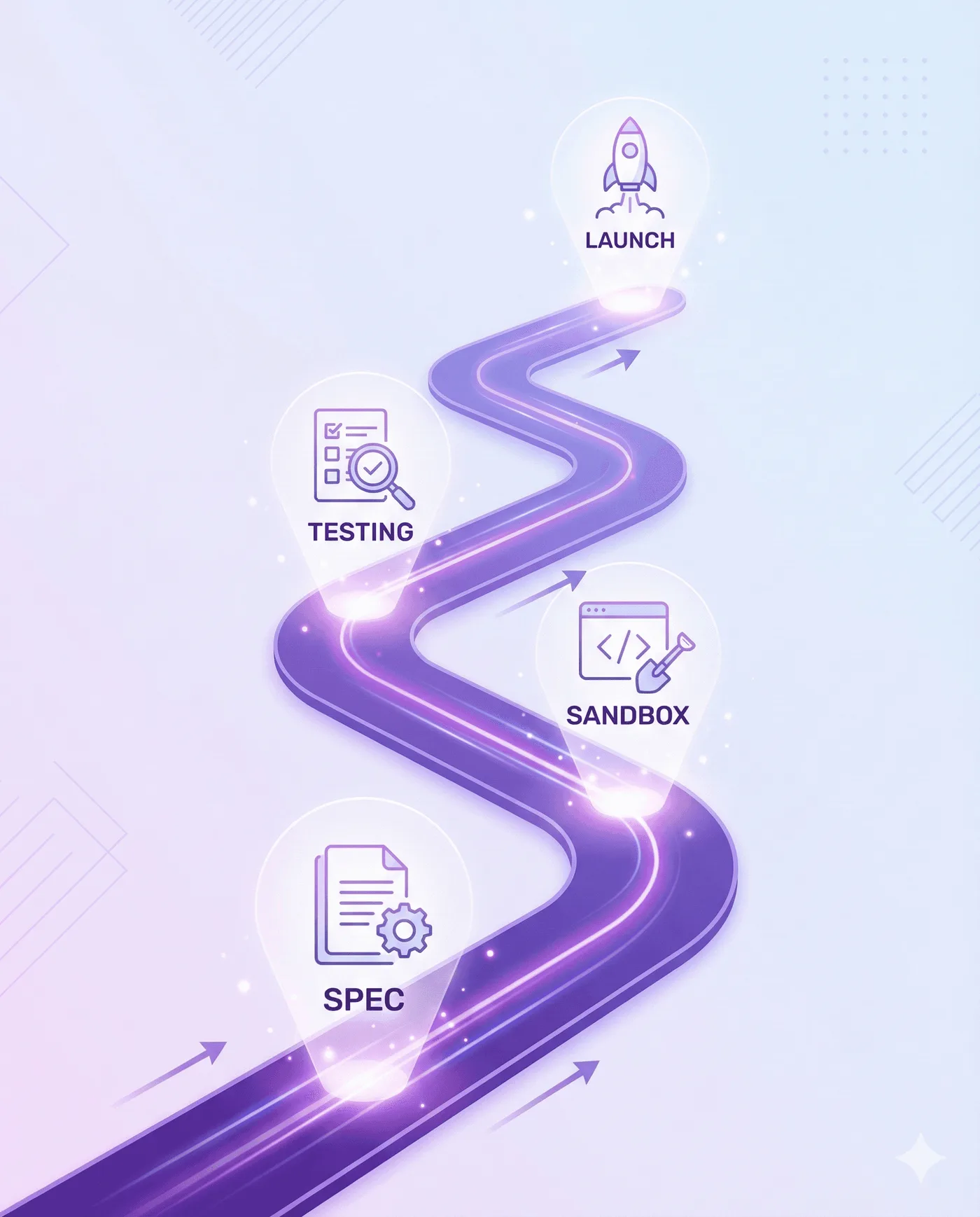
Step 1: Identify the buyer task
Decide whether your application needs to search products, build a cart, create or update checkout, or read order lifecycle information. These tasks use different tools and scopes.
Step 2: Follow the current Shopify guide
Use the current agent profile and API examples from Shopify’s docs. Do not copy an old endpoint, profile version, sample repository, or playground URL without checking that it is still documented.
Step 3: Test the full buyer journey
Use a development store and test authentication, the returned messages and statuses, checkout handoff, and the required buyer confirmation. Test the exact order or checkout type you expect to support; Shopify documents cases that the browser checkout tools do not handle.
Step 4: Limit the integration to verified capabilities
Declare and request only the scopes needed for the workflow. Make unsupported or buyer-confirmation steps clear, and verify current behavior before production deployment.
What’s Coming Next
Shopify’s published documentation currently covers catalog discovery, carts, checkout, and order information through separate MCP workflows. Shop MCP adds a connection for compatible agents to search Shopify Catalog, build carts, and create Shop Pay checkout. Future protocol features and rollout dates should be treated as unannounced until they appear in the official specification or Shopify changelog.
Before committing to a roadmap, check Shopify’s current docs for the specific profile, endpoint, scopes, and order or checkout types your integration will use. The available tools, buyer-confirmation requirements, and supported checkout types differ by surface and can change as Shopify updates its APIs.
The Bottom Line
UCP gives developers a shared, evolving protocol to build agentic commerce workflows. Shopify’s current tools cover product discovery, cart and checkout work, and order lifecycle information, with separate endpoints, scopes, and limits for each.
For merchants, check which surfaces are enabled and what buyer journey they support. For app developers and agencies, follow the current Shopify docs, test with a development store, and avoid implying that an integration can edit orders or list products across every AI surface unless the target supports it.

Frequently Asked Questions
Does UCP make every Shopify app callable by an agent?
An app needs an implemented interface that the target agent and Shopify surface support. Declaring an extension or using an open standard alone does not expose the app’s functions.
Can Order MCP change an address or swap a product?
Order MCP retrieves state for orders placed through the agent. Address changes and product swaps require a separate order-editing workflow. Buyer-requested removal of unfulfilled items is a distinct API request that a merchant or app reviews.
How do I receive UCP order updates on Shopify?
Arrange webhook registration through your Shopify partner manager, handle incoming order snapshots, and use get_order when a buyer asks for fresh information or when a delivery needs reconciliation.
Is Shopify’s standard ChatGPT checkout a UCP direct checkout?
Shopify’s standard ChatGPT agentic storefront redirects the shopper to the merchant’s online-store checkout. Other enabled channels and separate agent integrations can use different checkout flows; verify the one you are implementing.
What should I verify before deploying a UCP integration?
Check the endpoint, negotiated protocol version, capabilities, scopes, authentication, and buyer-confirmation steps. Test unavailable products, checkout handoff, and order updates with the chosen agent before releasing the integration.
Resources
- Shop MCP announcement
- Buyer-requested order edit APIs
- UCP checkout capability
- UCP identity linking capability
- UCP order capability
- UCP specification repository
This article is part of our “Beyond the Checkout” series. Revize’s customer order-editing app provides eligible self-service edits before fulfillment within a merchant-set window. Product switching, add-on products, discount application, and store-credit refunds require Pro; staff-side editing is in development. This customer portal is separate from a UCP agent integration.
Related reading
Shopify order-editing statistics · How to sell on ChatGPT with Shopify agentic storefronts · Shopify MCP and UCP endpoint guide · Shopify AI Toolkit guide · How to let customers edit Shopify orders