
On this page
Shopify Sidekick can now do more than answer questions: it can generate content, build reports and workflows, edit orders, create admin apps, and work with some connected apps. Its available actions vary by feature, plan, device, and language, and Shopify advises merchants to review AI-generated changes before applying them.
That makes the useful question less “Can Sidekick replace an agency?” and more “Which Shopify tasks can it safely stage, and where does the store need an experienced person to define or review the work?”

What Sidekick Actually Does in 2026
Sidekick is an AI assistant in Shopify Admin. It can answer questions about a store, generate content, create ShopifyQL reports, help build or edit Shopify Flow workflows, and propose changes to orders and products. Shopify also offers Sidekick Pulse recommendations on Shopify Home; availability can depend on store requirements and rollout.
Some features have narrower access. Sidekick app generation is available on Grow, Advanced, and Plus, on desktop web in Shopify Admin. Generated apps work inside Admin, use store Admin API data, and should be tested before installation. Sidekick can also propose supported order edits—such as adding or removing products, changing quantities, discounts, or a custom shipping fee—but the merchant reviews the proposal and chooses Update order to apply it. See Shopify’s Sidekick guide, app-generation requirements, and order-editing steps.
Tasks Sidekick Can Prepare for Review
Sidekick is a useful starting point for well-scoped work that stays inside Shopify: draft product copy, ask a question about a report, prepare a Flow workflow, or stage an order edit. It can also reduce context switching when it works inside the page being edited or a supported app extension.
Treat the result as a proposal. Give Sidekick the store-specific rules it needs, inspect the fields and conditions it changes, test customer-facing content and workflows, and apply the result only after review. Whether this saves time depends on the task, the quality of store data, and the amount of review required.
Six Areas to Review Before Applying Sidekick’s Work

Shopify’s own guidance says AI outputs can contain errors and recommends reviewing changes before applying them. Practical review areas include:
- Business rules: confirm discounts, B2B eligibility, returns, and customer segments against the store’s actual policies.
- Connected systems: verify whether the relevant app exposes the data or action Sidekick needs; an Admin conversation does not automatically coordinate every ERP, WMS, finance, or support tool.
- Generated workflows: inspect triggers, conditions, branches, and message recipients; test before activation.
- Generated apps: check permissions, code, behavior, and customer-facing effects. App generation is limited to Grow, Advanced, and Plus and desktop Admin; generated apps are for Shopify Admin, not themes, checkout, or customer accounts.
- Reports: validate ShopifyQL definitions and compare totals with the source report before using the result for decisions.
- Language and context: review localized content and market-specific rules. Feature availability can vary by language and plan.
Sidekick can assist with work; merchant review remains part of the process.
A Review Scenario for Sidekick
Consider a store asking Sidekick to create a post-purchase email or Flow for customers with an unfulfilled order. Before activation, the operator should check that the workflow excludes wholesale or other segments with different discounts, sends marketing only under the store’s consent rules, and does not conflict with fulfillment timing. This is a review checklist, not a report of a specific merchant incident.
The same method works for any AI-generated change: define the audience and business rule, inspect what Sidekick proposes, test representative cases, and keep a rollback path.
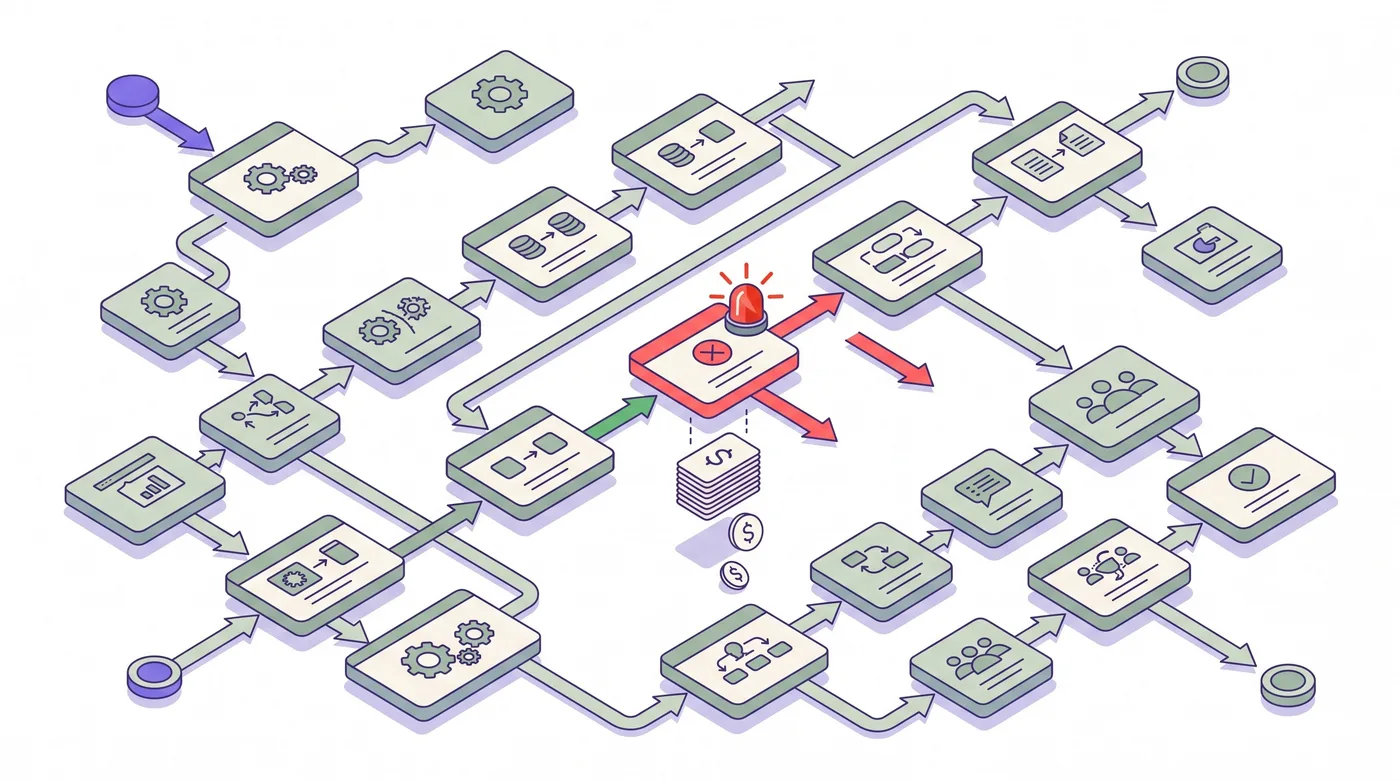
The Decision Framework — When to Use Each
| Work | Sidekick can help with | Keep a specialist involved when |
|---|---|---|
| Shopify content and routine admin edits | Drafting, editing, and preparing changes for review | Legal claims, brand strategy, or high-impact customer messaging needs approval |
| Reports and ShopifyQL | Creating or refining a report query | Definitions, attribution, or reconciliation affect financial decisions |
| Shopify Flow | Drafting or editing a workflow | It coordinates external systems, consent, fulfillment, B2B, or other edge cases |
| Admin app prototype | Generating an app on eligible plans | Permissions, data access, security, or production support need technical review |
| Storefront or platform architecture | Exploring options | Custom integrations, migrations, performance, or cross-system design are involved |
| Order edits | Staging supported changes for merchant review | The order has complex payment, fulfillment, or third-party app constraints |
Use Sidekick to prepare and explain work. Use an agency or in-house specialist to set requirements, validate risk, and own systems beyond the task Sidekick can access.

What This Means for Shopify Agencies
Agency work can include discovery, architecture, integrations, implementation, testing, governance, and ongoing support. Sidekick can help a merchant prepare some Shopify-native tasks, but those services address different responsibilities when a project crosses systems or depends on detailed business context.
A practical agency engagement can define what Sidekick may draft, who approves changes, how generated code and workflows are tested, and which systems remain under human ownership. This makes the comparison concrete for each client instead of relying on a fixed percentage of work that AI will replace.

Merchant Order Edits and Customer Self-Service
Shopify supports native order editing in Admin, and Sidekick can stage certain supported changes for the merchant to review. That does not provide a customer-facing self-service editor by itself.
For customer-initiated post-purchase changes, Revize’s customer order-editing app supports editing before fulfillment within a merchant-set window. Customers use the enabled app block on Shopify’s order status or thank-you page, or the Edit Order link in the confirmation email. The merchant chooses the available actions; product additions, cross-product switching, discount application, and store-credit refunds require Pro. A time window alone does not hold fulfillment; configure the appropriate hold mode and rules if fulfillment must wait. See the Shopify order-editing guide.
Frequently Asked Questions
Is Shopify Sidekick worth the upgrade for a Plus merchant?
Sidekick is included in Shopify Admin, but its features vary by plan and device. For example, generating apps is limited to Grow, Advanced, and Plus and desktop Admin. Check the requirements for the specific task you want to use.
Can Shopify Sidekick actually replace a Shopify agency?
It can handle some Shopify-native drafting and admin tasks, but replacement depends on the agency’s scope. Custom integrations, architecture, governance, and work across systems still need clear ownership and review.
What’s the typical cost savings from adding Sidekick to a Plus store?
Shopify does not publish a typical agency-cost saving from using Sidekick. Measure the time and review effort for your own tasks, and compare that with the work an agency or internal specialist still owns.
Does Sidekick work with Shopify Flow?
Yes. Sidekick can create or edit Shopify Flow workflows when Flow is open in Shopify Admin. Review triggers, conditions, and actions, then test the workflow before activating it.
What are the biggest mistakes people make with Shopify Sidekick?
Common risks include missing store context, incorrect discount or customer-segment rules, wrong report definitions, and untested workflow or app changes. Review the proposal and test representative cases before applying it.
How does Sidekick Pulse differ from regular Sidekick?
Sidekick Pulse displays proactive recommendation cards on Shopify Home for eligible stores. Rollout and requirements can vary; consult the current Pulse help page.
Can Sidekick build custom apps for my Shopify store?
Yes, for eligible Grow, Advanced, and Plus stores using Sidekick in Shopify Admin on desktop web. Generated apps are Admin-only, need permission and behavior review, and should be tested before installation.
Does Shopify Sidekick handle multi-language or multi-currency scenarios?
Sidekick features and quality can vary by language and plan. Review translated content, currencies, taxes, and market rules against the store’s configuration before using the output.
Is there a way to audit what Sidekick has done on my store?
Shopify provides review controls for generated work, and Sidekick-generated apps have an editor with preview and version history. Don’t assume every Sidekick action appears in a single audit log; check the relevant Shopify activity or app history for the change you need to trace.
How is Sidekick different from the old “Shopify Magic” features?
Shopify Magic is the broader set of AI features in Shopify. Sidekick is the conversational assistant in Admin that can guide and perform tasks, including using some Magic capabilities in context. Feature boundaries change over time, so use the current help documentation.
Can I share Sidekick skills with my team?
Skills are reusable instructions, but sharing is available only in some stores. Where the Share control is available, it copies a URL that another Shopify merchant can review and use to add the skill to their own Admin. See Shopify’s Sidekick Skills guide.
What should I NOT use Sidekick for?
Avoid applying unreviewed output to high-impact customer, payment, fulfillment, or compliance workflows. Sidekick can assist, but the merchant remains responsible for checking the result and connected systems.
How should an agency plan its work alongside Sidekick?
Define which tasks Sidekick can prepare, who reviews them, and which integrations or systems the agency owns. Evaluate that scope with the merchant’s actual requirements and results instead of assuming a fixed replacement rate or future savings.
Related reading
Shopify order-editing statistics · Shopify AI Toolkit guide · How to let customers edit Shopify orders