
On this page
Shopify B2B is available beyond Plus, while several capabilities remain plan-dependent. Shopify B2B is available on Basic, Grow, Advanced, and Plus, with plan-specific feature limits. Choose a plan based on the catalog, payment, and account-management features your operation needs, rather than a universal customer-count threshold.
This guide is for the people running B2B on Plus today, evaluating Plus for an operation that’s outgrown its current setup, or architecting a B2B implementation for a client whose volume crosses into Plus territory.

Shopify B2B Plan Limits After the April 2, 2026 Rollout
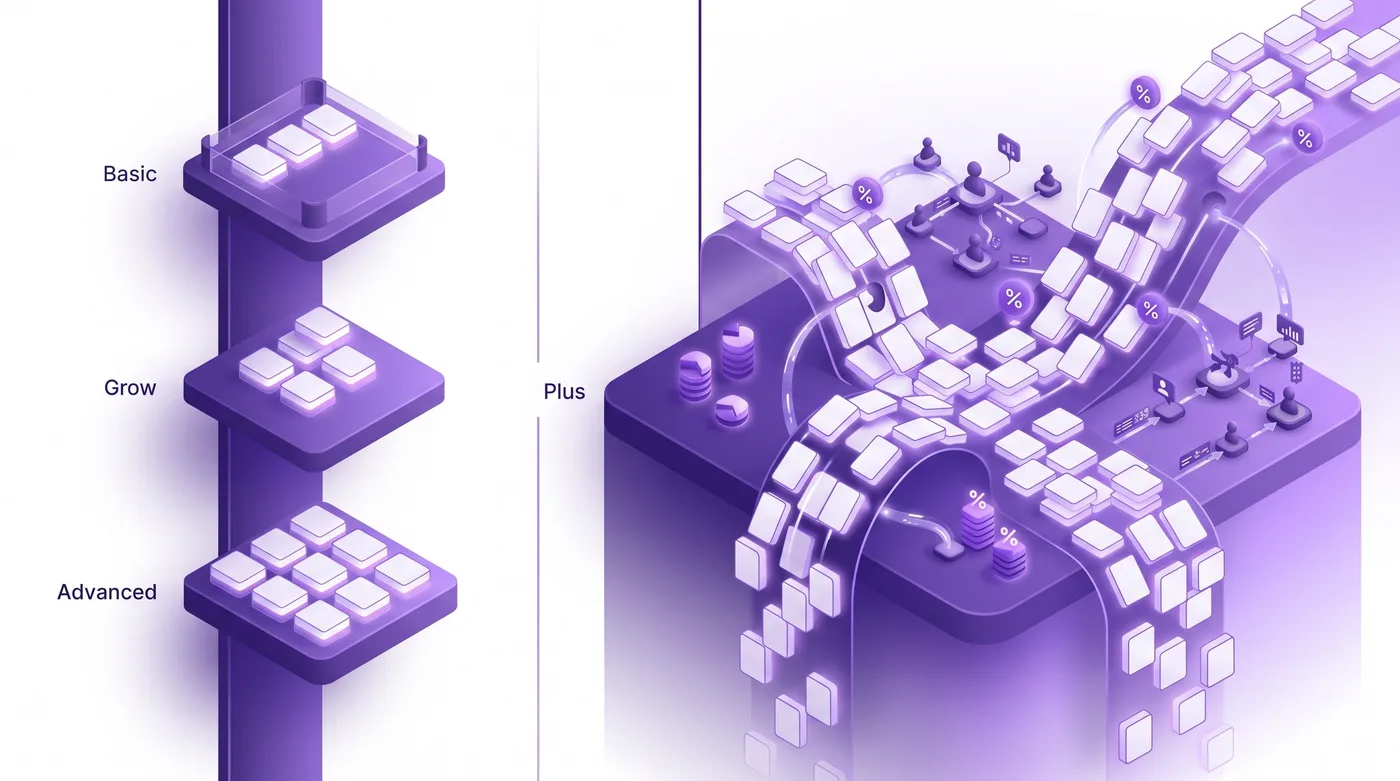
Shopify B2B is available across plans, with limits that vary by plan. Shopify’s plan documentation currently lists up to three active catalogs for Basic, Grow, and Advanced; Plus supports unlimited catalogs and direct assignment to companies or locations. Deposits and partial payments are Plus features.
The Plus-exclusive features highlighted here:
| Plus feature | Why it matters |
|---|---|
| Unlimited B2B catalogs | Useful when your pricing model requires more catalogs than the non-Plus limit allows |
| Direct catalog-to-company/location assignment | Skip the Markets workaround; assign catalogs natively |
| Partial payments | Deposit + balance billing for high-ticket orders, milestone payments |
| Deposits | Required for custom orders, made-to-order goods, made-to-spec B2B |
There is no universal customer-count threshold for Plus. The three-catalog limit may matter when buyers need distinct pricing, while other merchants can organize pricing by Markets or a smaller set of catalogs at much higher volumes.
The Plus B2B Architecture: Companies, Locations, Catalogs at Scale
Shopify B2B uses a Company → Location → Buyer structure on supported plans. Plus adds unlimited catalogs and direct catalog assignment to companies or locations; merchants should choose an assignment model based on their catalog needs and the plan limits.
- Basic, Grow, and Advanced: up to three active catalogs assigned through Markets. This can support shared price lists; check the catalog and Market setup for your business.
- Plus pattern: catalogs assigned directly to specific companies or locations. A catalog can be unique to one company, shared across a group, or the default for many — your call.
For agency tech leads: when migrating from a third-party app or from non-Plus B2B to Plus, the catalog-assignment audit is the longest part of the project. Map every pricing rule to a Plus catalog, decide whether it’s company-scoped or location-scoped, document the assignment logic before touching the platform.
Unlimited Catalogs: How Plus Operators Actually Use Them
The unlimited catalog ceiling lets you separate catalog purpose from catalog scope in ways the 3-catalog cap doesn’t allow. Plus operations run catalogs across three dimensions: pricing tier, product line, and customer type.
Example catalog patterns to evaluate:
- Negotiated pricing — separate catalogs can represent distinct price lists where the plan supports the required number and assignment method.
- Product-line pricing — a separate catalog can show a different set of products or prices to an eligible buyer group.
- Region-specific pricing inside one Market — Markets handles currency and tax; catalogs handle per-customer regional variance Markets doesn’t model.
- Custom-order catalogs — separate catalog for made-to-spec products with deposit requirements, assigned only to pre-approved companies.
Catalog and volume-pricing options can change. Check the current Shopify B2B catalog documentation for the product, variant, and quantity rules your store needs.
Partial Payments and Deposits: The Cash Flow Layer
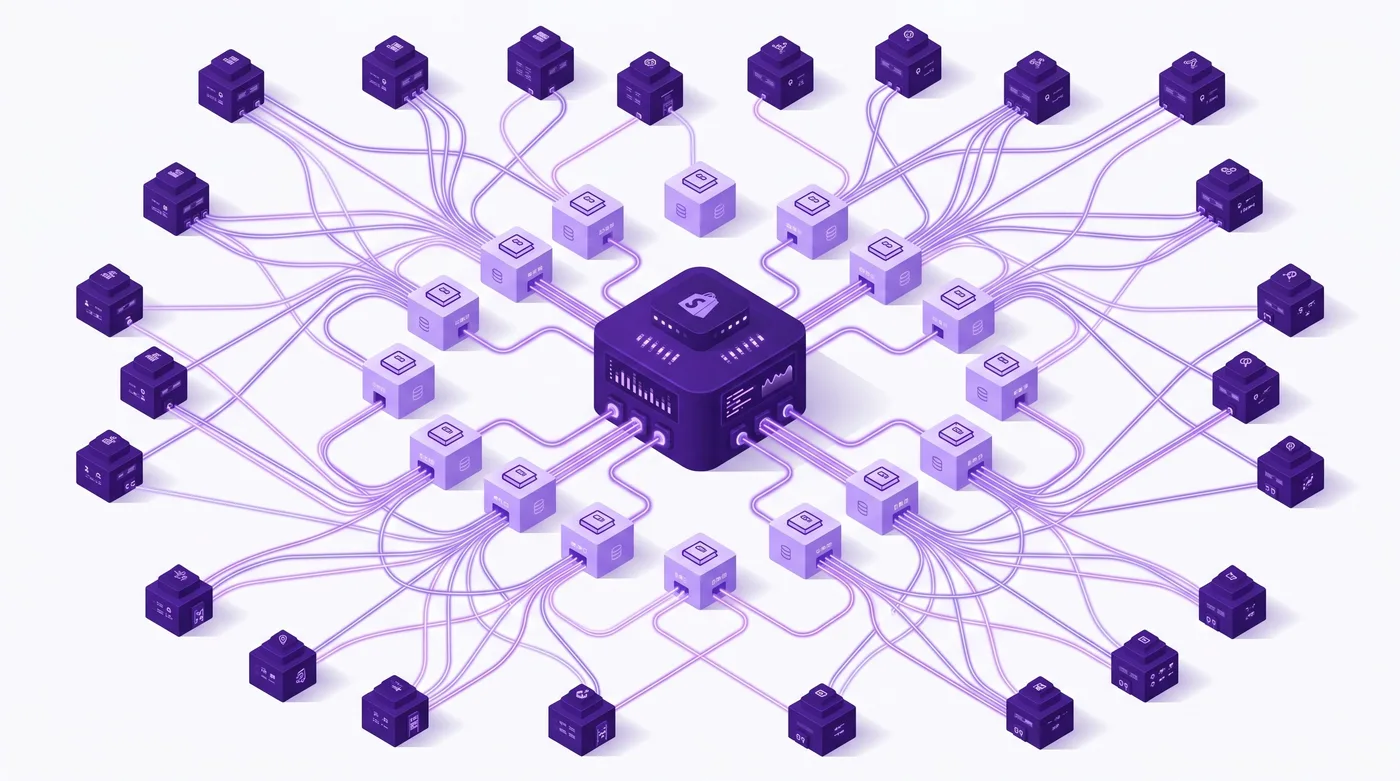
Deposits and partial payments are Plus features that can change the cash-flow model for B2B orders. Check the current B2B payment-term and deposit documentation for supported schedules and plan requirements.
Operational patterns:
- Made-to-order: 50% deposit at order, 50% on shipment. Deposit secures production capacity.
- High-ticket milestone billing: $50k order split 30/30/40 across order, production milestone, delivery.
- Orders with multiple payments: Shopify’s current B2B payment features can support payment schedules, subject to the plan and configured terms. Confirm the exact trigger and collection behavior in Admin before using a workflow.
Combined with Net 30/60/90 on the balance, you get a cash flow model that previously required custom AR or enterprise ERP integration. On Plus, it’s native.
Sales Staff and Company Permissions
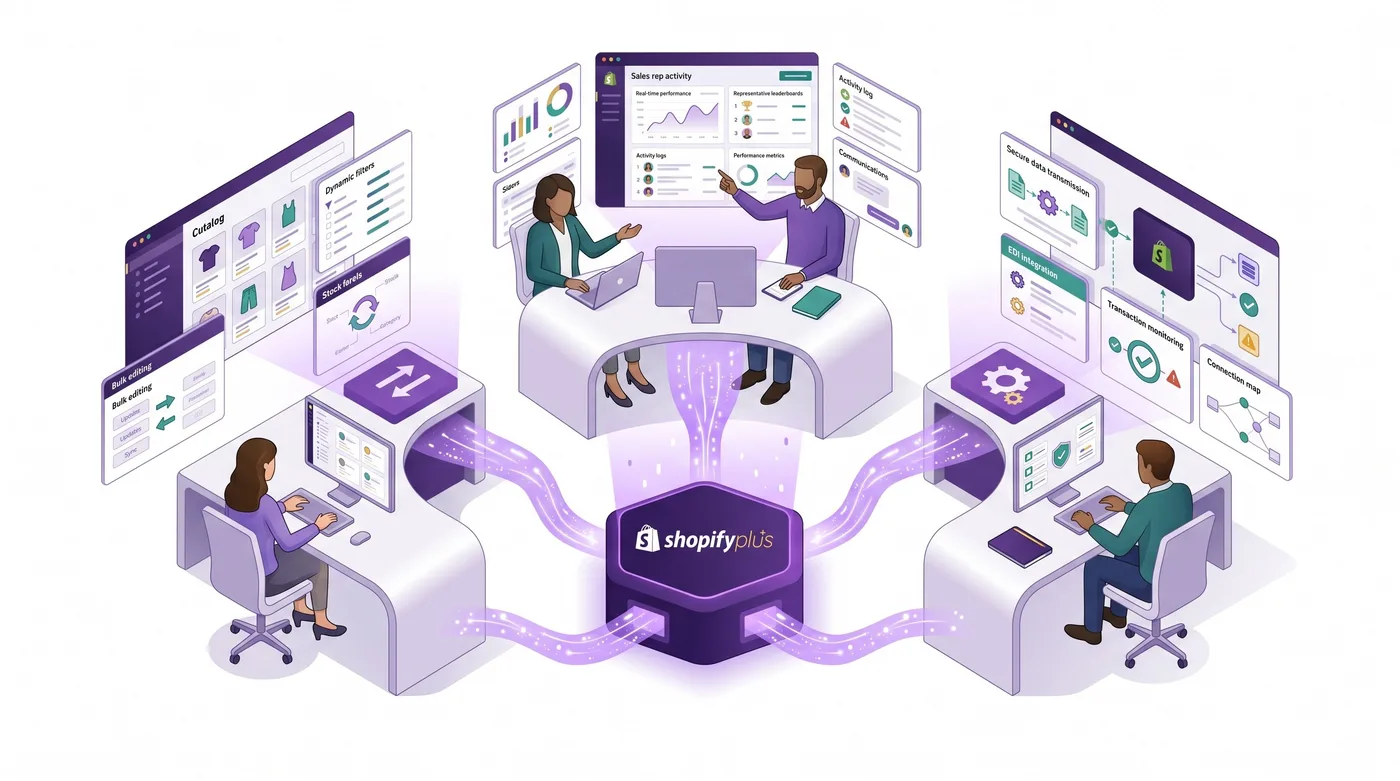
Shopify’s B2B sales-staff permissions, including restriction to assigned company locations, are available across plans. Staff-account limits vary by plan. The company-location restriction covers Customers, Orders, Draft orders, and Companies; other Admin pages aren’t filtered by that assignment, so review each role’s remaining permissions.
Company-scoped sales workflows this unlocks:
- Geographic territory ownership — Rep A owns East Coast, Rep B owns West Coast, no cross-visibility
- Account-tier specialization — top-50 enterprise to senior reps, mid-market to junior reps
- Channel separation — direct B2B reps separate from distributor-channel reps
- Agency rep access — your agency’s account managers get scoped access to specific clients
Combined with draft orders (the standard Plus pattern for negotiated quotes), scoped reps build complete proposals — line items, custom pricing, payment terms, shipping — without exposure to other accounts.
Headless B2B with the Storefront API
The Storefront API can support a custom B2B buyer experience for teams that need it. Consider a headless build based on the buyer experience, integrations, and maintenance capacity; Shopify does not publish a universal login-volume threshold.
The headless B2B pattern in 2026:
- Authentication via Customer Account API — complete the buyer’s authorization flow to obtain an
access_token, used ascustomerAccessTokenin Storefront API requests. Query the Customer Account API for the buyer’s accessible company locations and select acompanyLocationId, following Shopify’s headless B2B guide. - Company-location context for products and carts — pass both
customerAccessTokenandcompanyLocationIdin the Storefront API buyer context and cart buyer identity so catalog pricing, volume pricing, and quantity rules match the selected location. - Custom approval workflows — for multi-buyer companies with order thresholds, your portal handles approval routing; Admin API tracks resulting orders.
- Deep ERP / AP integration — most enterprise B2B portals integrate with the buyer’s procurement system (Coupa, Ariba, NetSuite); that integration sits on your custom portal, not Shopify.
The trade-off: full UI control and deep integration, but you own all maintenance. Trade and Horizon get Shopify-managed updates; your custom portal does not.
EDI Integration: SPS Commerce, Crstl, and Custom EDI
Shopify offers B2B EDI integrations through SPS Commerce and Crstl. Review the current Shopify and provider documentation for supported order flows, trading-partner requirements, and plan availability before replacing an existing EDI connection.
The supported documents, acknowledgements, and fulfillment messages depend on the integration and trading partner; confirm those details with SPS Commerce or Crstl.
The integration does not replace your provider relationship, trading-partner requirements, or non-standard EDI documents. Confirm the details with your provider before replacing an existing EDI or ERP workflow.
B2B-Specific Flow Patterns
Shopify Flow can automate supported B2B tasks, but the available triggers and actions depend on the workflow and connected apps. Keep B2B approval and payment decisions aligned with your store’s policies.
High-impact B2B Flow patterns for 2026:
- Auto-route by company tier. Trigger:
Order created. Condition: company tag = “enterprise”. Action: assign to dedicated fulfillment, tag for priority, notify account manager. - Payment terms expiration alerts. Trigger: scheduled. Condition: Net-30 order, 25+ days old. Action: notify AR team, tag for collection follow-up.
- Sales rep notifications on edits. Webhook integration: an app subscribes to Shopify’s
orders/editedwebhook, retrieves the order’s company assignment, and notifies the assigned rep via Slack. To route this through Flow, the app must provide a trigger; Shopify’s native trigger reference lists the built-in events. - Auto-approval thresholds. Trigger:
Draft order created. Condition: total > $X for company tier Y. Action: route to admin review, send approval request. - EDI follow-up. Notify staff when an order or fulfillment needs review, if the relevant trigger and app data are available in your Flow setup.
Payment Customization Functions pairs naturally — flag B2B orders for admin review based on value, product, or customer attributes, with routing logic in a deployed Function.
Multi-Store and Multi-Market B2B
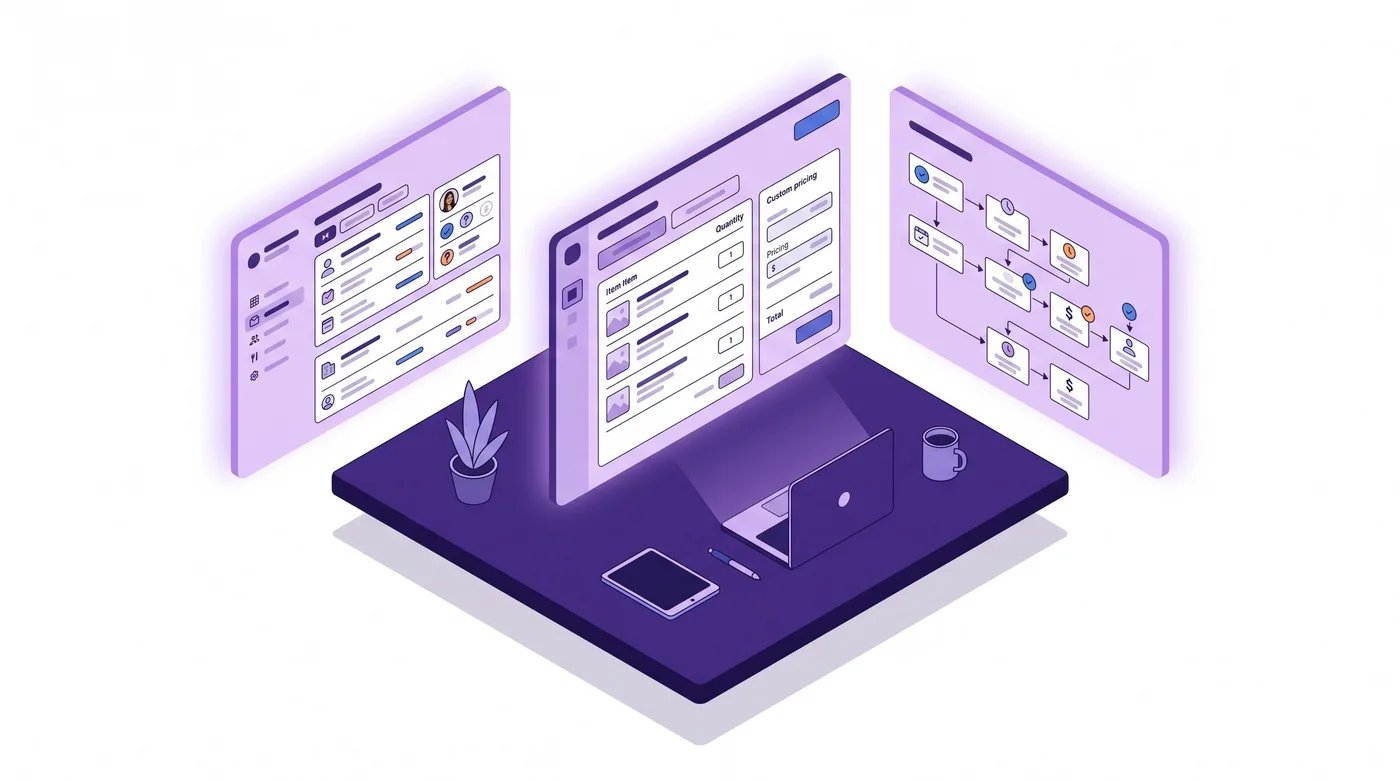
Shopify Markets lets merchants configure market-specific storefront details. Check the current Shopify documentation for the theme and app-embed settings available to your store and plan before using one store to replace separate regional storefronts.
B2B across stores and Markets:
- Multiple stores — assign regional products, currencies, and tax rules per store; verify how company records and integrations are managed across stores.
- Markets within a store for finer-grained regions — sub-regional catalogs and per-Market theme customizations let you serve French and German B2B buyers from one EU store with different storefront configurations.
- Per-Market app embeds — different B2B apps per market (EDI in US, different in EU), auto-loaded based on the buyer’s Market.
Markets can support regional configuration within a store, but they do not replace every multi-store need. Validate catalog assignment, currency, tax, customer access, and integration requirements before consolidating storefronts.
Post-Purchase Order Editing for B2B at Scale
B2B order changes can affect invoices, payment terms, catalog pricing, and buyer-side records. The time required to manage them depends on order volume, internal policies, and how many systems need updating.
Shopify Admin supports merchant-side order edits. Since October 1, 2026, buyers can request removal of unfulfilled line items through the Customer Account API; the merchant or an app must review, resolve, or decline the request. This is not general self-service editing.
Revize supports eligible customer self-service post-purchase order edits before fulfillment, within the merchant-set window. Product switching, adding products, and store-credit refunds require Pro. Do not assume every B2B order or payment-term configuration is eligible; confirm compatibility and supported changes with Revize before relying on it. For broader context, see our Shopify Order Management 2026: The Plus Operator Playbook.
The Bottom Line
Shopify B2B in 2026 is a plan-feature decision. The April 2 rollout brought foundational B2B features to more plans, while Plus retains higher catalog limits, direct company/location assignment, deposits, and partial payments. Choose based on the features and integrations your business needs, not a universal customer-count threshold.
For Plus operators currently running B2B: audit your catalog-assignment patterns. If you migrated from a 2023-era price list setup, you may be missing per-variant volume pricing and per-Market theme customization. Test-run B2B Flow workflows you haven’t touched in 6 months.
For agencies onboarding wholesale clients: the discovery question is no longer “do they need Plus” — it’s “where on the scale curve are they, and what’s the 12-month trajectory?” A client may or may not need Plus as its catalog and payment requirements grow; revisit the plan against the current feature matrix.
For everyone: Shopify’s buyer-requested edit API currently covers removal of unfulfilled line items and requires merchant or app review; it is not a full buyer editing portal.
Here’s what to do this week:
- Audit catalog assignments and compare the current setup with the plan features your buyers need.
- Review which company and location records each sales staff role can access.
- Evaluate whether partial payments / deposits would unlock business you’ve been turning away
- Test-run any B2B Flow workflows you haven’t touched in 6+ months
- If buyers need to request changes, decide which requests to handle through the Customer Account API, an app, or your support team.
Frequently Asked Questions
Do I need Shopify Plus to run B2B in 2026?
No. Shopify B2B is available on all plans, with plan-specific limits. Basic, Grow, and Advanced support up to three active catalogs. Plus supports unlimited catalogs and direct assignment to company locations; deposits and partial payments are Plus features.
What’s the practical difference between non-Plus and Plus B2B?
Basic, Grow, and Advanced support up to three active catalogs. Plus supports unlimited catalogs and direct assignment to companies or locations; deposits and partial payments are also Plus features. Sales-staff permissions are available across plans with plan-specific limits.
How many catalogs do typical Plus B2B operations run?
Catalog counts depend on the pricing model and buyer assignments. Tier-based pricing can use shared catalogs; negotiated pricing may need additional catalogs, subject to the plan’s limit and assignment options.
When should I move from Trade theme to a headless B2B portal?
Start with a supported B2B theme or storefront setup and consider headless when the required buyer experience or integrations call for it. A headless storefront gives you more control but also requires ongoing development and maintenance.
How do partial payments and deposits work?
Deposits and partial payments are Plus features. The exact schedule and collection steps depend on the configured payment terms and Shopify’s current B2B workflow; verify them in the store before setting expectations with a buyer.
Can I give sales staff access to company accounts?
Yes. You can restrict sales staff to their assigned company locations on Basic, Grow, Advanced, and Plus. The number of staff accounts depends on the plan; also review access to Admin pages outside the company-location restriction.
Does Shopify B2B work with EDI?
Shopify offers EDI integrations through SPS Commerce and Crstl. Supported documents, acknowledgements, fulfillment messages, and plan requirements depend on the provider and trading partner; confirm them before migrating an EDI workflow.
How does Plus B2B handle multi-region wholesale?
Markets can support regional configuration within one store, but the available storefront controls depend on your plan and setup. Verify that one store meets your catalog, currency, tax, and company-location requirements before replacing a multi-store architecture.
Can I run B2B and DTC on the same Plus store?
A blended B2B and DTC setup is supported, subject to the store’s plan and configuration. Review catalog access, checkout, payment, tax, and fulfillment settings for each buyer type before launch.
What changed for Shopify B2B in 2026?
Shopify B2B is available on all plans, and Shopify introduced buyer-requested order-edit APIs on October 1, 2026. EDI integrations, catalog limits, payment features, and staff permissions vary by plan and integration; check the current Shopify documentation for each feature.
Can buyers request edits to B2B orders?
Since October 1, 2026, buyers can request removal of unfulfilled line items through the Customer Account API. Merchants or apps can review, resolve, or decline the request. This is not general self-service editing for quantities, addresses, or PO numbers. Other customer self-service options depend on the app and order eligibility.
What’s the migration timeline from a third-party wholesale app?
Migration time depends on data quality, number of companies and locations, pricing rules, integrations, and testing. Audit company records and catalog assignments before scheduling a cutover.
Related reading: Shopify Order Editing Statistics (2026) · How to Let Customers Edit Their Own Orders on Shopify (2026)